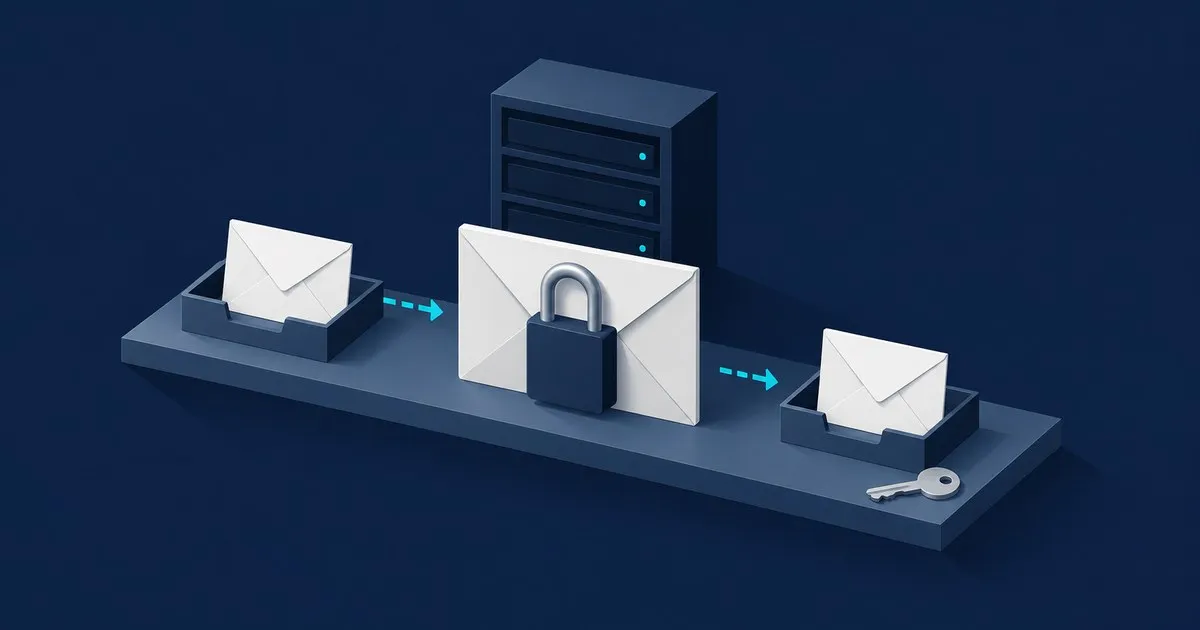
Here is end to end encrypted email explained: your app encrypts a message before sending it, and the recipient’s app decrypts it. The mail service transports encrypted content without the keys needed to read it. That is the distinction in EFF’s E2EE explainer.
Use it when your threat model includes a mail provider accessing sensitive correspondence. If your immediate problem is an ex reading your unlocked inbox, start with account and device security and our email security threat model; encryption cannot protect a message already open on that device.
What end-to-end encrypted email actually protects
End-to-end encryption (E2EE) protects message content across the delivery path. Other encryption labels describe narrower protections:
| Protection | What it means | Important limit |
|---|---|---|
| Transport encryption, usually TLS | Encrypts a connection between devices or servers | Providers handling the message can still read it |
| Encryption at rest | Encrypts stored data | Access depends on who controls the decryption keys |
| End-to-end encryption | Encrypts content before it reaches the provider | Sender and recipient devices still see readable content |
EFF explains these boundaries. HTTPS already protects webmail content against ordinary ISP or public-Wi-Fi eavesdropping on that connection. E2EE additionally removes the mail provider’s access to the protected content.
In OpenPGP, the app creates a random session key and derives a key for encrypting the message. It encrypts the session key for each recipient using their public key. Each recipient’s private key unlocks that session key, enabling message decryption. Public keys can be shared; private keys must remain protected. This is the workflow specified in RFC 9580.
Does using encrypted email make every message private?
No. Protection depends on the particular message and recipient.
According to Proton’s documentation, messages between Proton Mail accounts are automatically E2EE. Ordinary outgoing messages to other providers use transport encryption where supported, without E2EE by default. Ordinary incoming mail gets zero-access storage encryption after arrival; that cannot remove readable copies at the sending provider.
Zero-access encryption describes storage access, not necessarily the journey. A protected inbox does not retroactively encrypt mail sent through another service.
Gmail’s standard protection is TLS. Google’s work and school offerings distinguish hosted S/MIME, where Google manages a key copy, from client-side encryption, where the organization controls the keys. The label alone is insufficient: check key custody. These are Google-sourced capability descriptions.
Tuta’s vendor documentation says Tuta-to-Tuta messages are automatically E2EE, including subjects and attachments. External confidential messages use a shared password. Tuta does not use OpenPGP, so two providers advertising encrypted email do not necessarily encrypt mail directly to each other.
Can someone using Gmail or Outlook receive it?
Yes, through a compatible encryption method or a protected web portal. For example, Proton’s password-protected email feature sends an outside recipient a notification. They open the message in a browser with a password shared separately and can reply there. Proton says this feature is available on its free plan.
The practical choice is coordination: use the same encrypted service for regular conversations, agree on OpenPGP with someone who already uses it, or use a password-protected message for occasional exchanges. Simply choosing an encrypted provider does not make ordinary delivery to Gmail E2EE.
What remains visible or vulnerable?
Metadata remains important. Proton says subject lines and sender/recipient addresses are not end-to-end encrypted. Keep sensitive details in the body, not the subject. Its encryption breakdown identifies that boundary. Tuta encrypts subjects in confidential messages, but addresses and sending/receiving dates remain exposed, according to its documentation.
Recipients can copy messages, and compromised devices can expose decrypted content. E2EE also cannot protect an unencrypted backup of that content. EFF describes these endpoint and backup limits. For ongoing reporting on account theft and breaches, follow sister publication Tech Sentinel.
Verify it worked
Use harmless sample content for these checks:
- Read the message’s encryption status. In Proton Mail, consult the lock-icon meanings. Check both sent and received messages. A browser’s HTTPS indicator verifies a different layer.
- Check the outside-recipient experience. Send a password-protected sample to another account you control. Open its notification in a private browser window: the body should require the message password. Reply through the protected page. Follow Proton’s documented workflow.
- Verify the person behind a key. If using OpenPGP, compare the complete key fingerprint with your contact through a separate trusted channel. EFF explains fingerprint verification.
These checks confirm observable behavior, not the entire cryptographic implementation. Read Securitum’s 2021 Proton web-app audit as historical evidence, then consult Proton’s current audit index. Check dates, covered applications, findings, and fixes. Read the transparency report for the provider’s account of legal disclosures.
The catch
Privacy requires maintaining the protected conversation. Proton explicitly warns that after an external recipient replies to a password-protected message, your next reply is not E2EE by default: re-enable encryption before sending. See its password-protected email instructions.
Recovery also needs planning. Proton distinguishes resetting a login password from recovering encrypted data. Save a supported data-recovery method before relying on the inbox; regaining account access may not restore old messages. Its recovery documentation explains the options.


